
Background
The microblogging platform Twitter was launched back in 2006. Initially, it was a social space mostly used by young people debating and discussing current topics. In recent years, it's evolved into a key platform for innovative companies, political movements, and news outlets. Today, Twitter has over 353 million active monthly users worldwide. Interestingly, about 70% of Twitter's ad audience is male. It's biggest in the US with 68.7 million users, and most people on the platform are between 25 and 49 years old.
Why advertise on Twitter?
Reaching the right people is key to successful advertising. With Twitter, you can target users based on specific keywords, topics, and hashtags they use. You can also get a feel for their interests and see who they follow. Not many companies have jumped on Twitter advertising yet, which means less competition for you compared to other big platforms. Plus, there are only a few ad formats, making it super simple to create ads that look like regular posts and blend naturally into the feed.
Here's what you need to get started with Twitter Ads
First, you'll need a Twitter account for your business, which you then link to Twitter Ads Manager—Twitter's own advertising tool.
To measure and improve your ads, you'll need to set up a website tag on your site. There are two types: you can choose to track just the number of conversions, or follow every single interaction your audience has on your website.
Step-by-step: Advertising on Twitter
Step 1 - Your Goal
First, decide what you want your ads to achieve. This could be brand awareness, engagement, website traffic, new followers, or app installs. Your goal will determine your campaign type, such as Website Clicks, Followers, Tweet Engagement, App Installs, or Video Views.
Step 2 – Audience
You can use Twitter's ad tools to target people by demographics, location, age, and gender, making sure your ads land in front of the right crowd.
Step 3 - Budget
Pricing works on a bidding system, much like Google Ads. You can set a specific bid amount or let the system bid automatically based on your budget and goals. You set a daily budget, but you only pay when a user actually interacts with your ad—like following your account, retweeting, liking, or replying. There’s no minimum spend, so you decide exactly how much you want to put in.
Step 4 - Formats and placements
Twitter makes it easy to find your audience by targeting specific keywords, hashtags, interests, trending topics, and specific accounts. Many find these formats and placements more flexible than what Facebook offers.
So, what ad formats can you use?
Promoted Tweets: These come in two styles. You can boost a tweet you've already posted that’s doing well to get even more engagement. Or, you can create a promoted post that only your targeted audience will see. Use a poll, add a GIF, or promote your account. These work great for engagement, reach, and follower campaigns. Read more here.
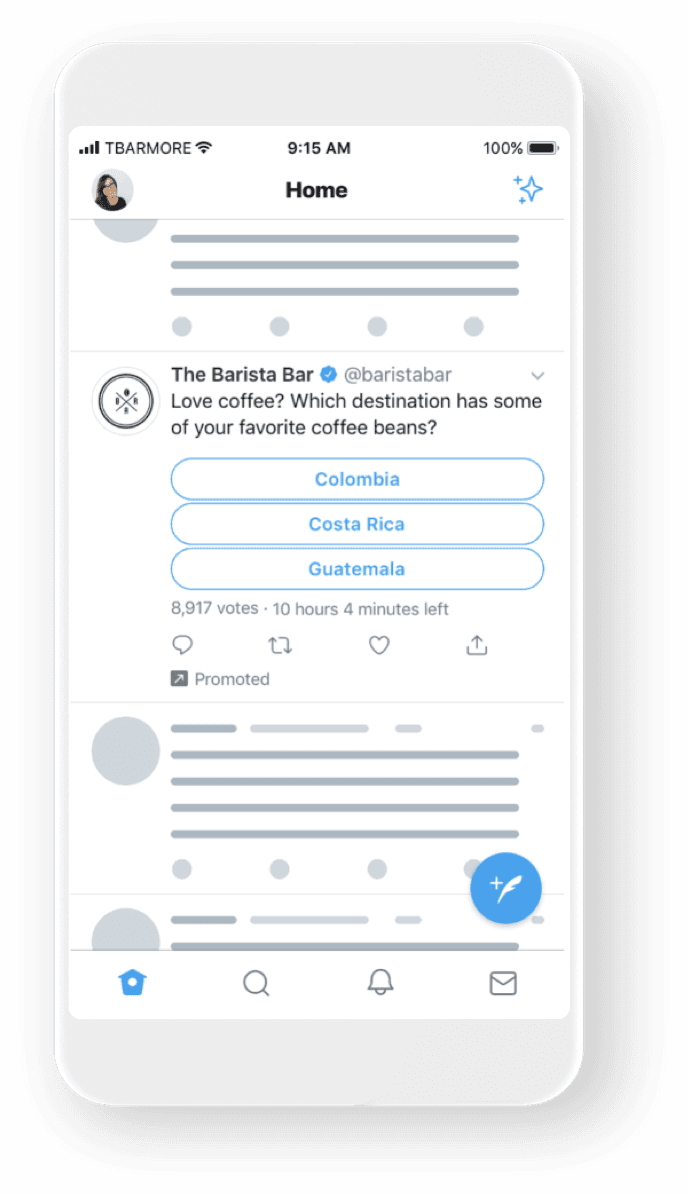
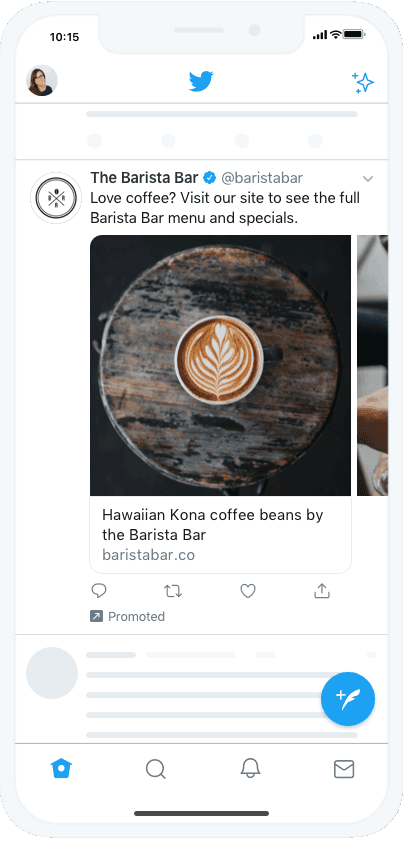
Carousel Ads: Tell a story, show off different products, or highlight key features all in one ad. Carousels let you use up to six images or videos that swipe seamlessly and drive users directly to your website or app. Read more here.
Video Ads: Video is one of the fastest-growing and most engaging formats online. Launch a Twitter video ad or a pre-roll campaign to make a memorable impression and get the best results. Read more here.
Want to really stand out on Twitter? Prepping for a major launch day?
Twitter also offers premium